Using MultiGP’s ZippyQ System#
Note
The ZippyQ Controls and ZippyQ Pack Return panels are only visable when a ZippyQ
race has been imported.
Note
After a race utilizing ZippyQ has been saved (either after running the race or marshaling) the result will be uploaded automatically to MultiGP.
Import ZippyQ Rounds#
Important
All instructions under this subsection will be performed under the Format page

If the panels under this subsection are not visable, verify your timer has an internet connection and reboot the system. For more information, review the section on the plugin’s activation.
After importing a race with ZippyQ enabled, a new class under Classes and Heats will
be created. This class will not have any heats under it.
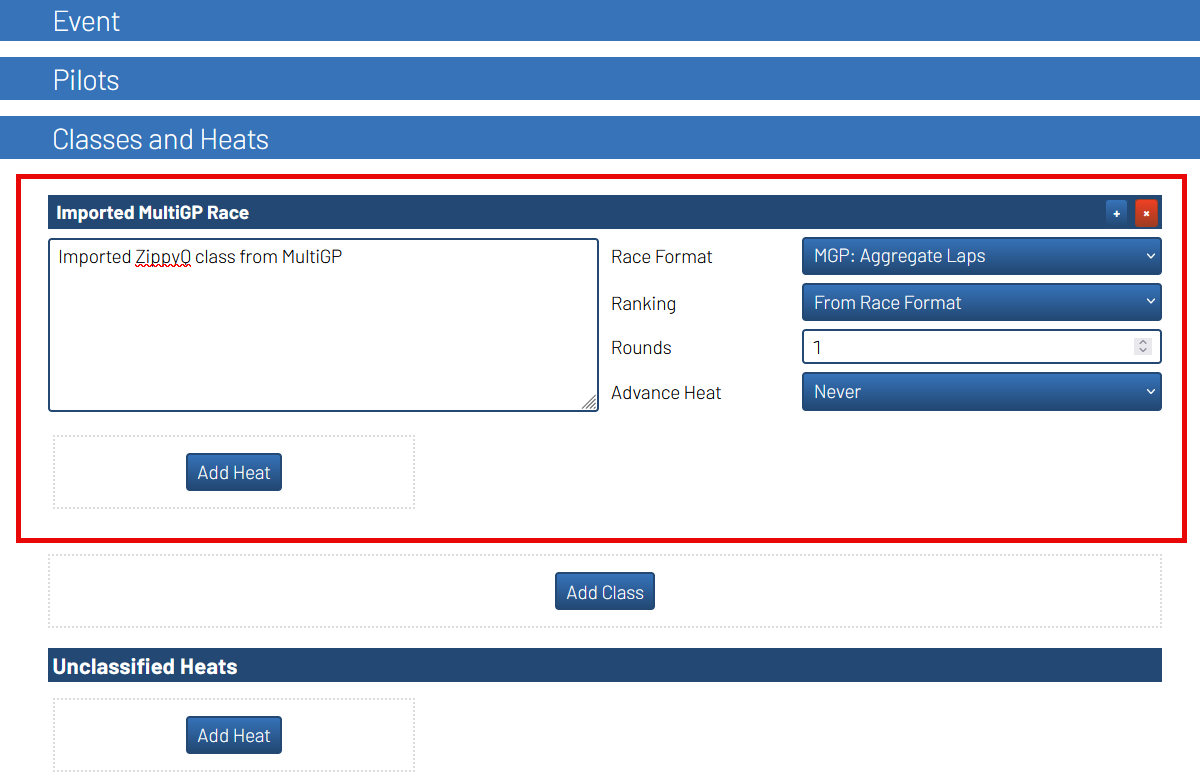
Important
The ZippyQ tools will only work with the class that was setup for you at the time of importing the MultiGP race. Deleting this class will prevent you from being able to use ZippyQ.
To import rounds from MultiGP, locate the
ZippyQ Controlspanel.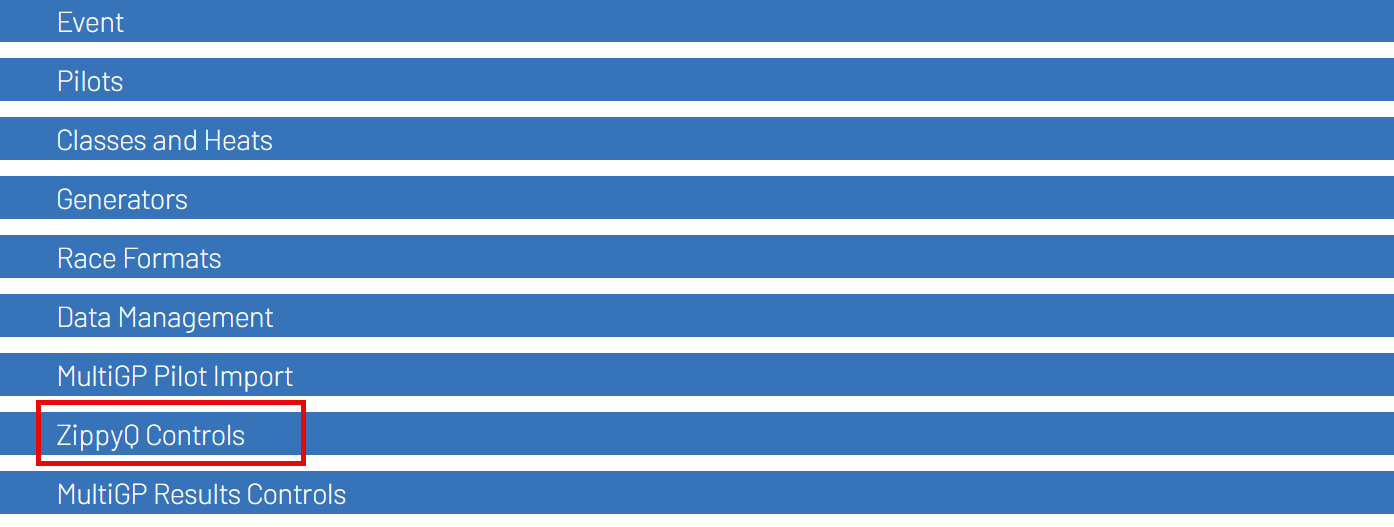
Open the
ZippyQ Controlspanel and click theImport Next ZippyQ Roundbutton
The first ZippyQ round and the pilots within the round should now imported within RotorHazard
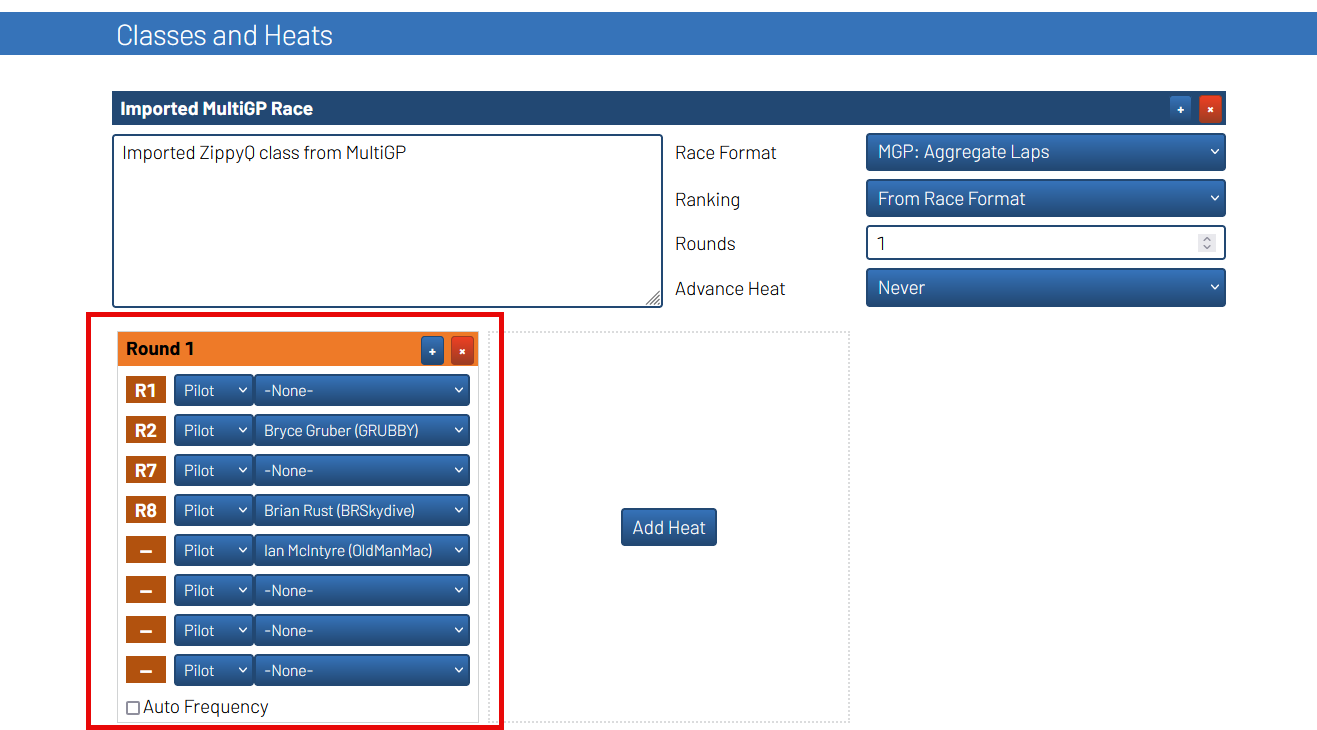
Hint
Turning on Use Automatic ZippyQ Import will automatically download the next
ZippyQ round when the race for the previous one has finished. This prevents the need to click the
Import Next ZippyQ Round after every round.
Hint
Turning on Active Race on Import will automatically set the next round as the
active race after downloading either manually or automatically. This feature will trigger the Heat Change
event within RotorHazard if you have an Event Action setup under the Settings page.
ZippyQ Pack Return#
Find the heat used for the race.
Unlock the Round / Heat for editing
Find the slot of the pilot whose pack you wish to return and set it to
-None-
Note
The race director will still need to manually remove the pack through the MultiGP ZippyQ admin kiosk for the race.